

Adobe Lightroom CC has a nifty tool that is especially helpful to underwater photographers. To help you get acquainted with it, have a look at this video tutorial. Although this tutorial covers how to use the Dehaze tool to make global adjustments, you can also access it to make local adjustments!

You also might be interested in
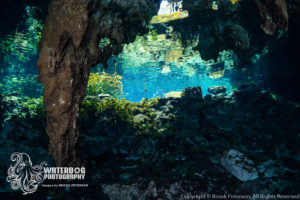
Many divers and underwater photographers love to explore the ambiance[...]

You may have heard it said that there are three[...]
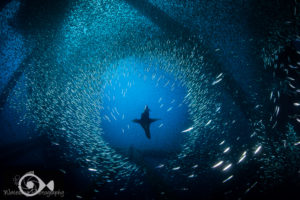
Diving in Southern California can be challenging, especially when conditions[...]