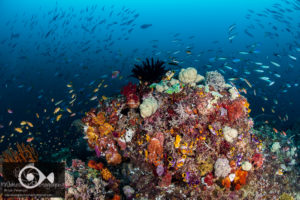
Have you ever wished you could make precise adjustments to your images in Lightroom? This tutorial will show you how to make adjustments to a portion of your image using the adjustment brush and the auto-mask feature in Adobe Lightroom.
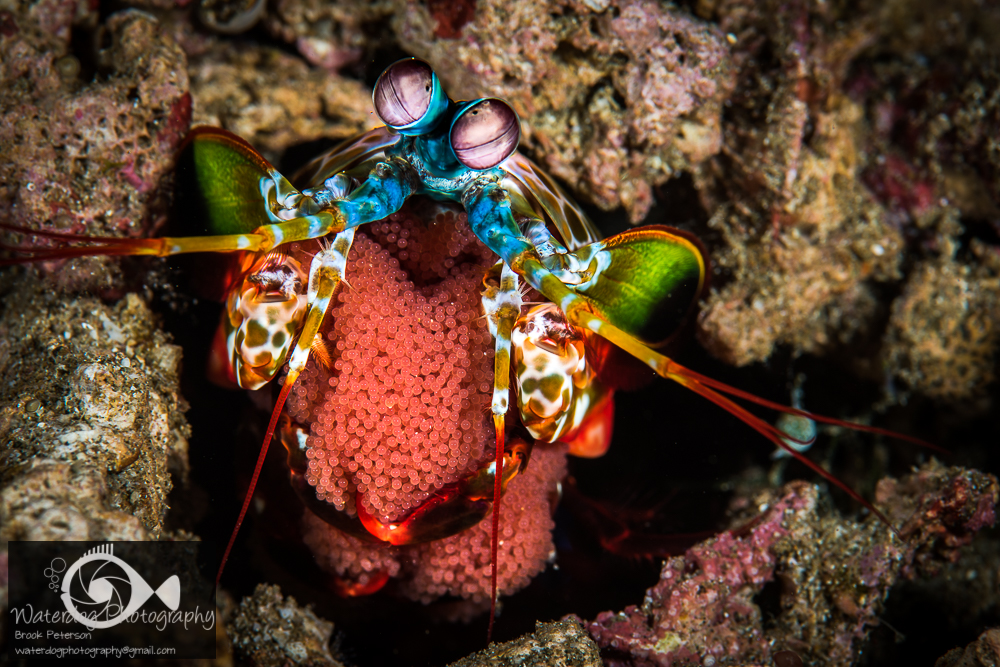

Have you ever wished you could make precise adjustments to your images in Lightroom? This tutorial will show you how to make adjustments to a portion of your image using the adjustment brush and the auto-mask feature in Adobe Lightroom.
 Ambon Scorpion Fish
 Ophiophobia, or an irrational fear of snakes is a common[...]
 Cyrece Elegan sp
 Romblon is one of those fantastic places you’ve never heard[...]
As a scuba diver in Southern California, I frequently get[...]
© 2026 · Brook Peterson.
